RLD Viewer
Open and preview RDWorks projects and Ruida laser jobs on a Mac.
Version 1.1 · macOS 26 or later, Apple silicon and Intel
About
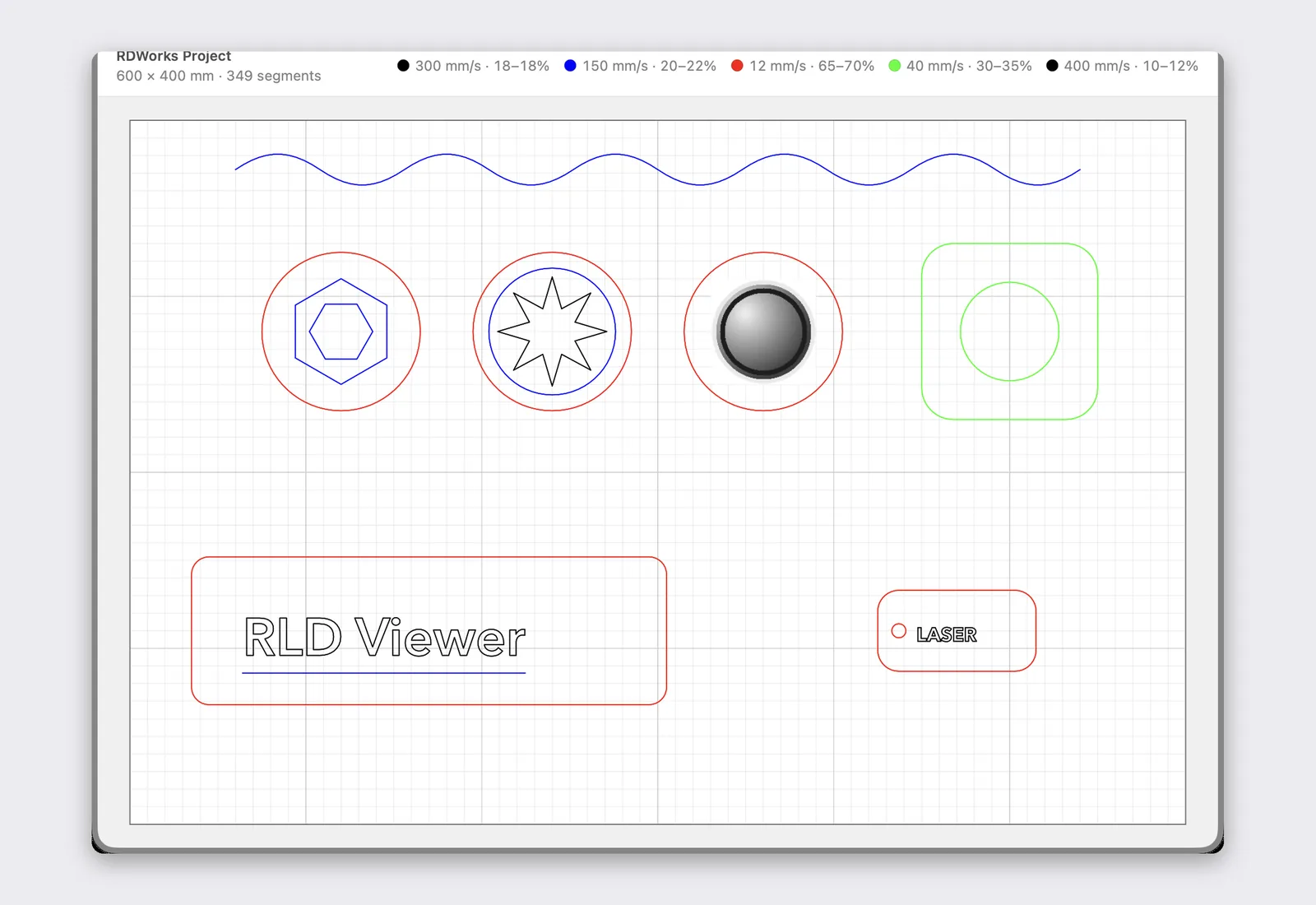
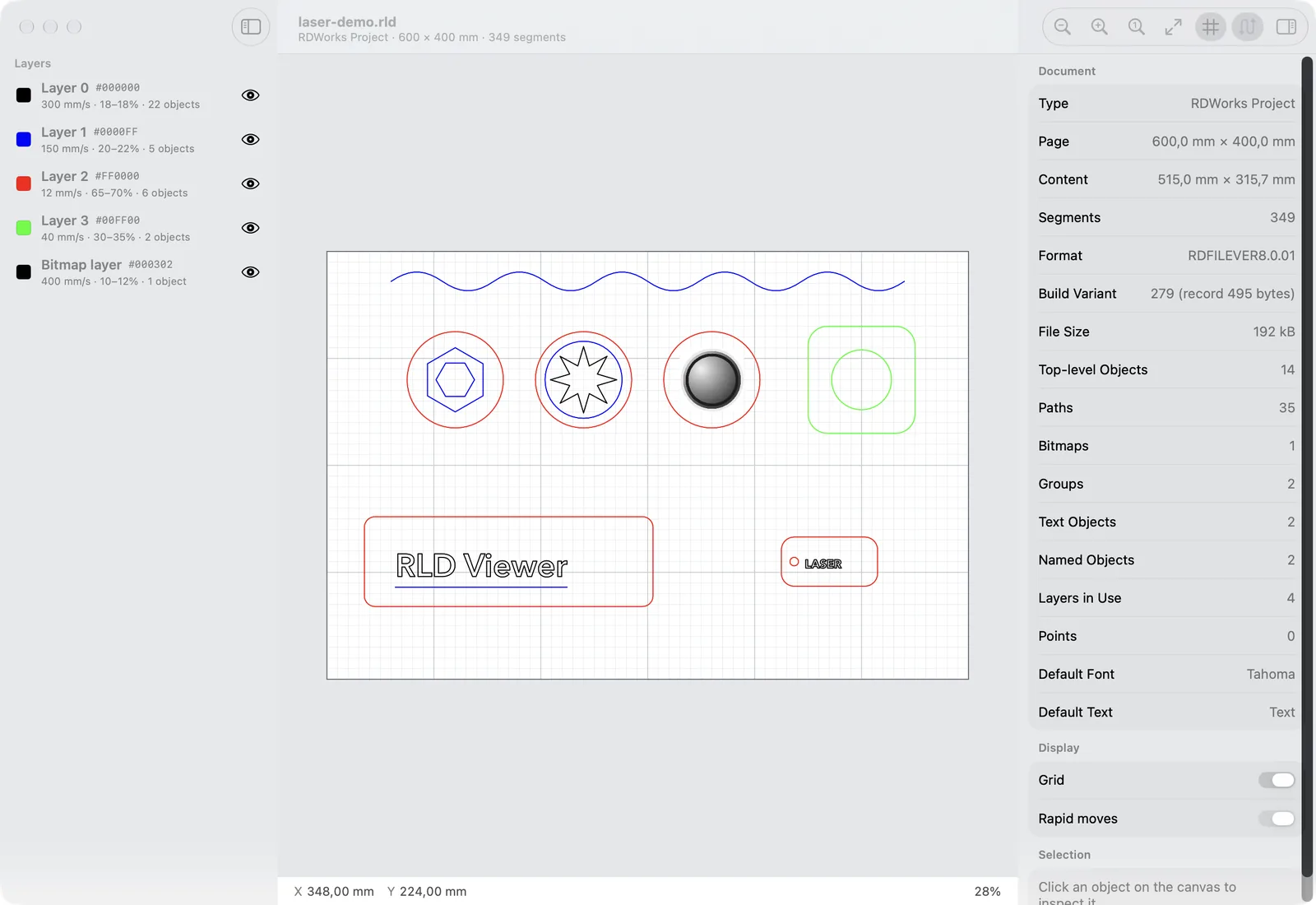
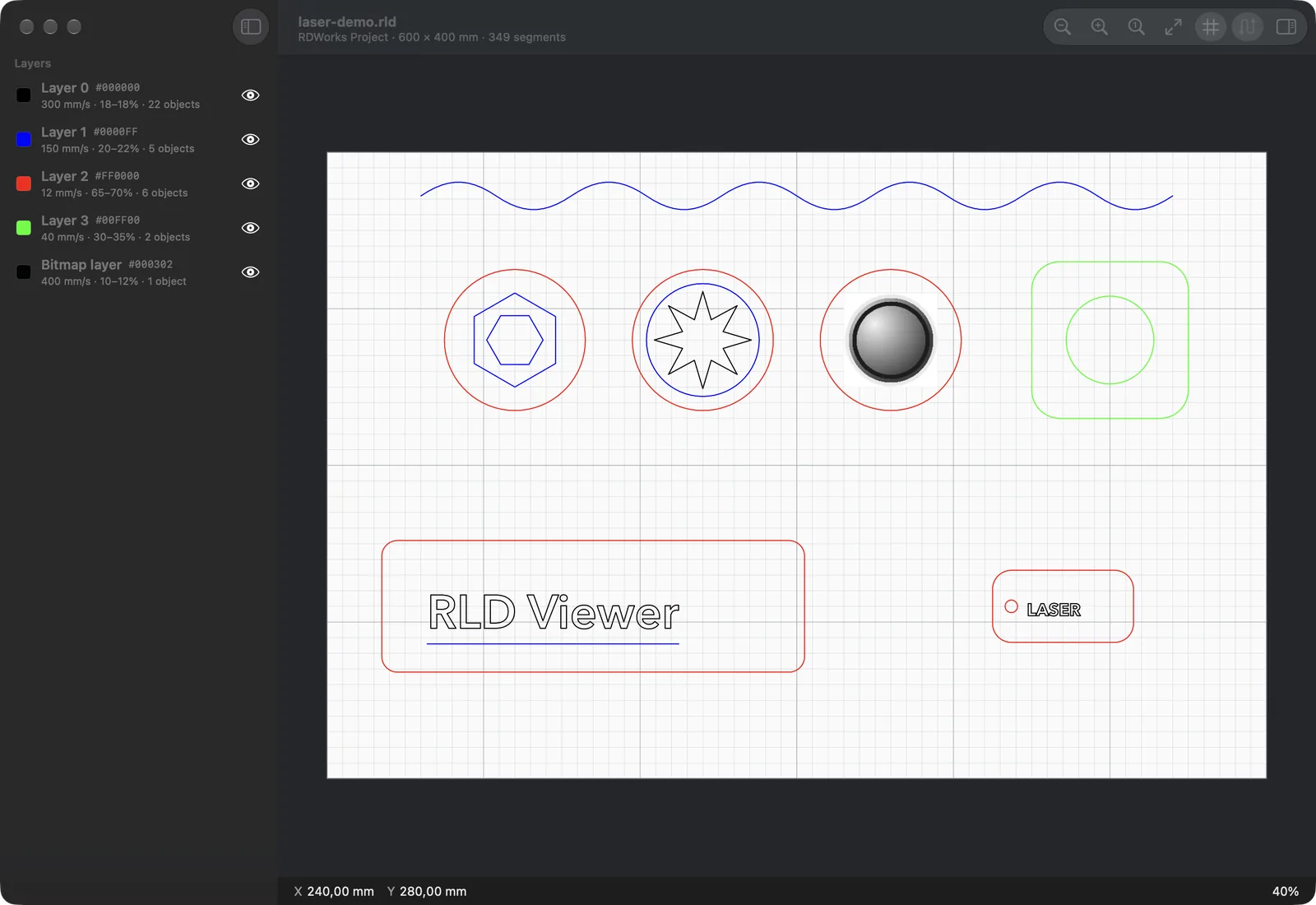
RLD Viewer is a Mac app that opens the files behind a Ruida-controlled laser cutter: the .rld projects RDWorks saves and the .rd jobs it sends to the machine. RDWorks only runs on Windows, so the jobs pile up on the PC next to the laser; RLD Viewer gives your Mac thumbnails of them in Finder, a preview when you press space, and a viewer with every layer's speed and power, so you can check a design before anything is cut.
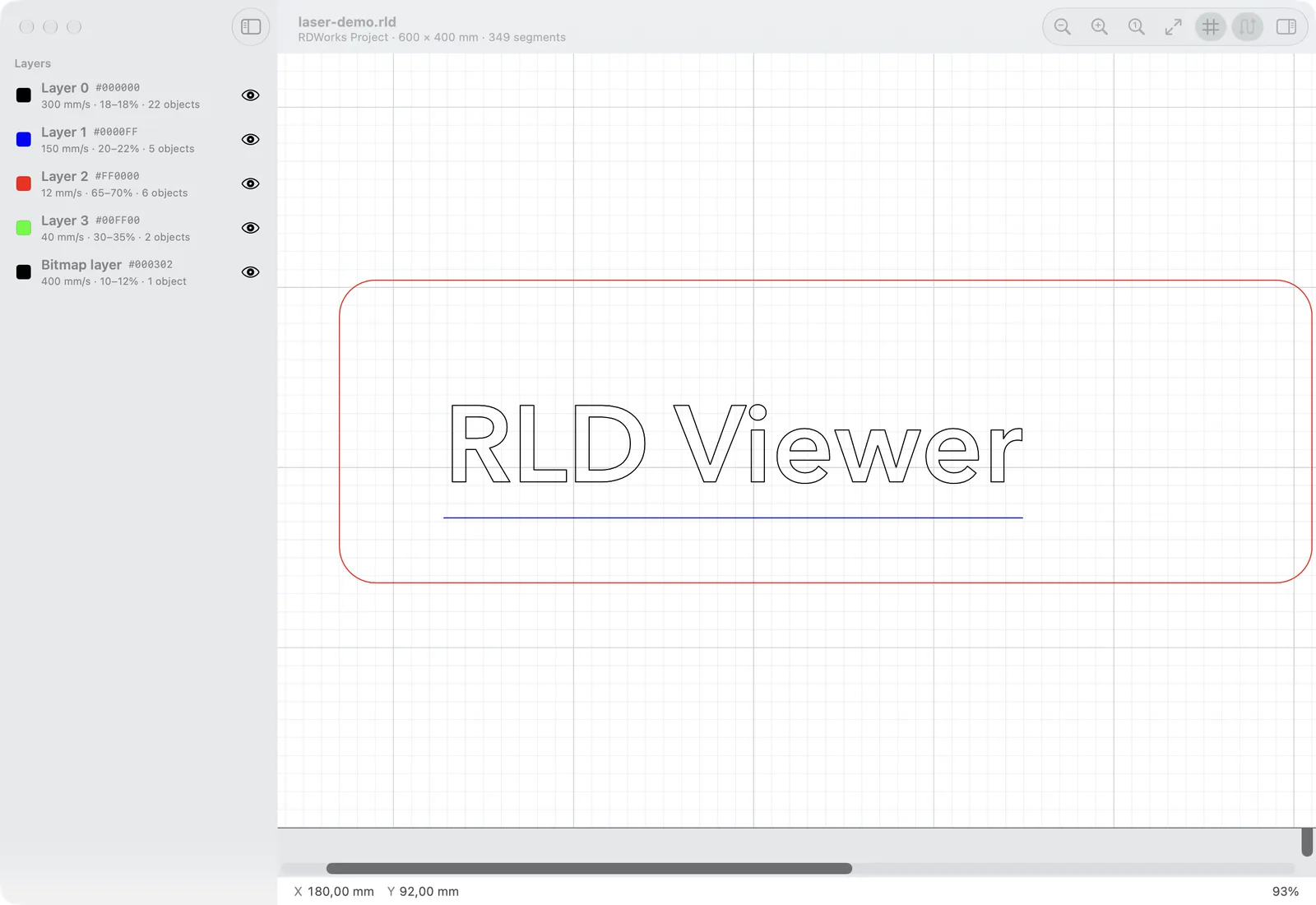
It reads the real design: lines, curves, text outlines, groups and engraving bitmaps, on a millimetre canvas that zooms from the whole bed down to a single cut.
Comparing options? Read How to open RDWorks .rld files on a Mac.
Features
- Finder thumbnails and Quick Look previews for .rld and .rd files
- Opens .rld projects saved by RDWorks 7 and RDWorks 8, and the .rd jobs made for Ruida controllers
- Every layer with its colour, speed, minimum and maximum power, air assist and output switch
- Lines, curves, text outlines, groups and engraving bitmaps, drawn as the laser sees them
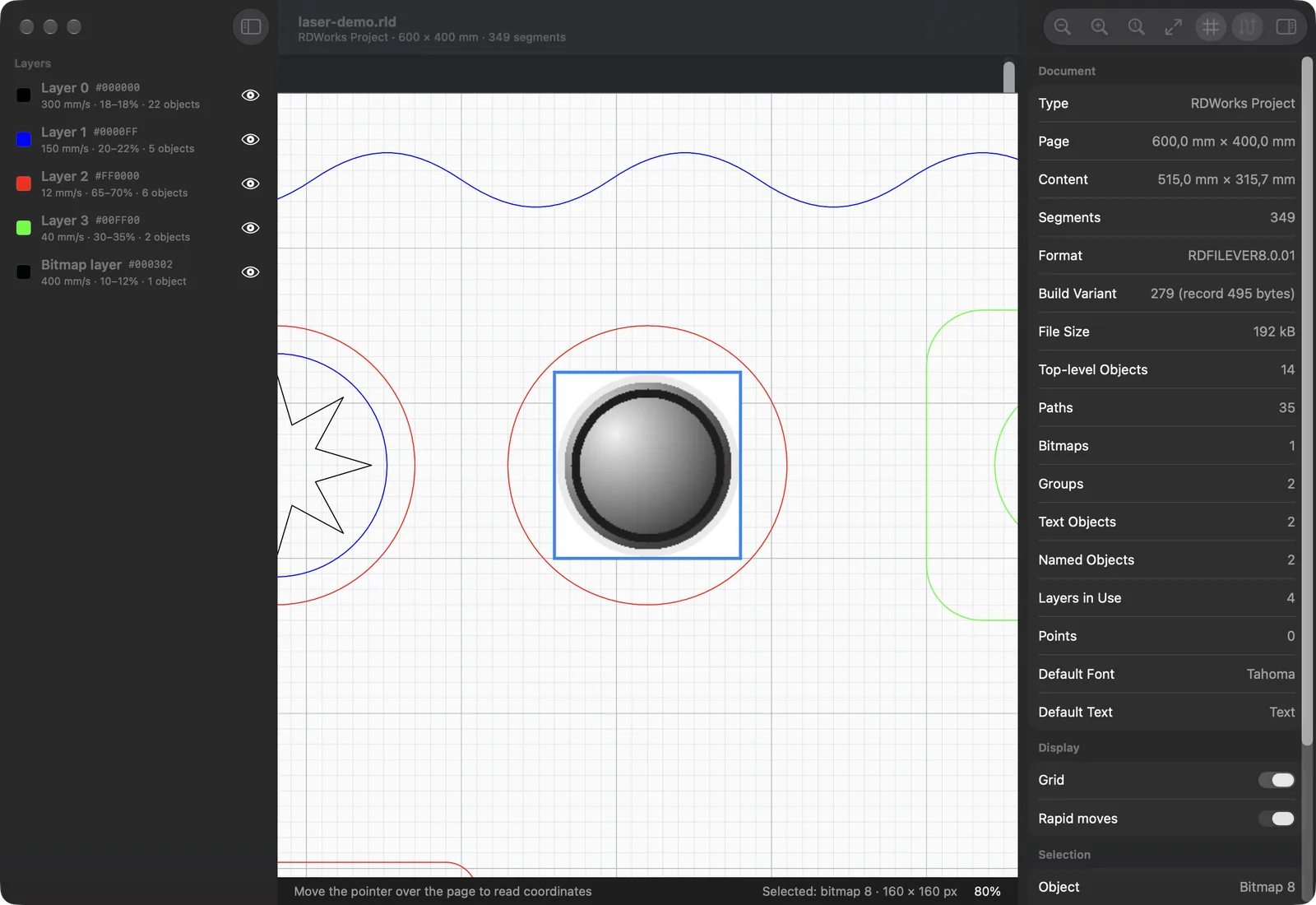
- A millimetre canvas with zoom, pan, an adaptive grid and pointer coordinates in the file's own units
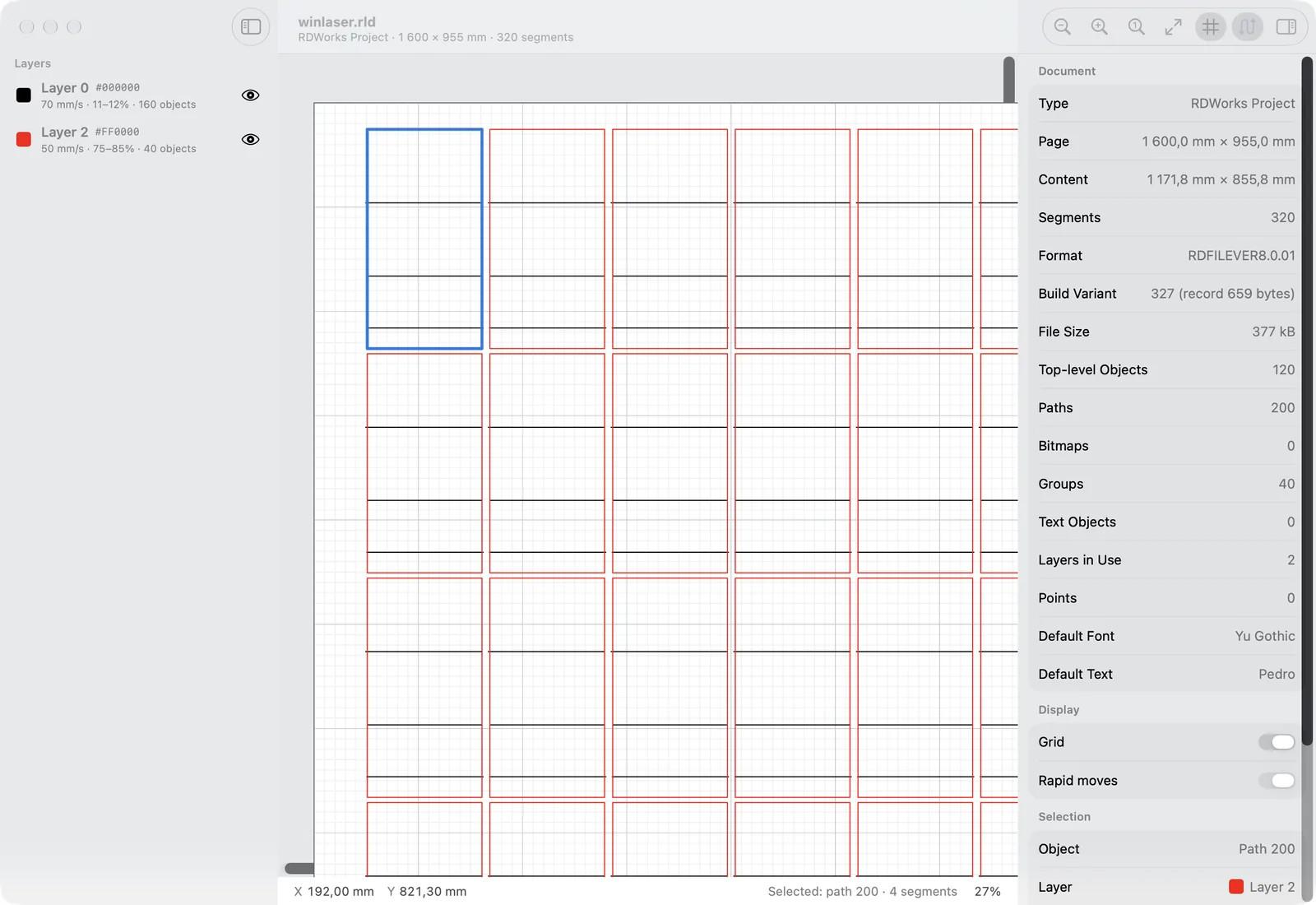
- Click any object for its size, position, segments and layer; hide layers to check one pass at a time
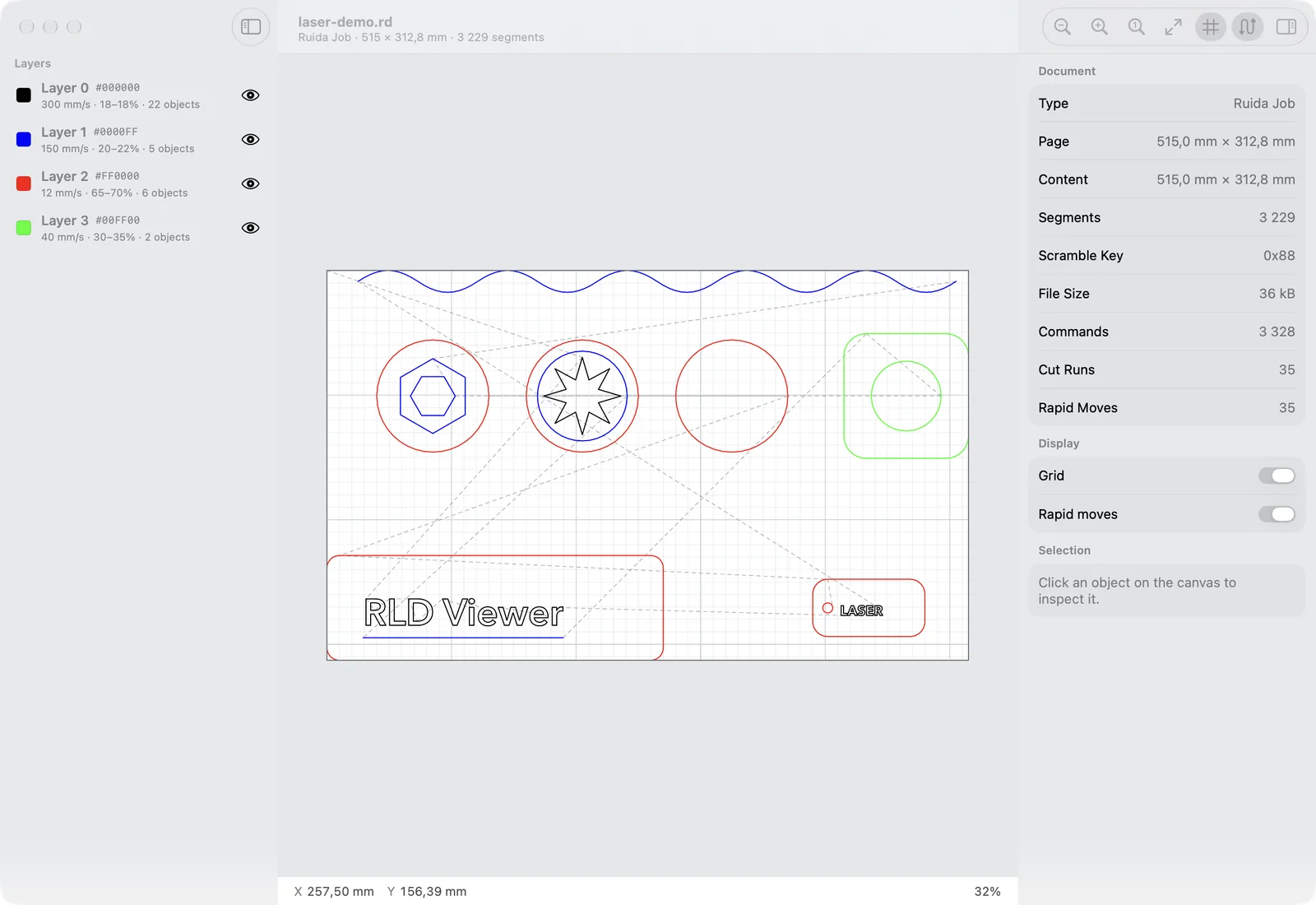
- Rapid moves of a .rd job drawn as dashed lines, so you can follow the cutting order
Versions
Updates are free, forever, and every earlier version stays downloadable.
- 1.1 · 29 October 2026
Finder thumbnails and Quick Look previews for .rld and .rd files.
- 1.0 · 29 October 2026
First release: RDWorks 7 and 8 projects, Ruida .rd jobs, layers with their speed and power, text, curves and bitmaps.
Questions
- How do I open an RDWorks .rld file on a Mac?
- Install RLD Viewer, move it to Applications and open it once. Then double-click any .rld project or .rd job to see every layer, path and bitmap on a millimetre canvas, or select it in Finder and press space for a quick preview.
- What do I need to run it?
- RLD Viewer needs a Mac with macOS 26 Tahoe or later. It runs natively on Apple silicon and on Intel.
- Do I need RDWorks, Windows or Parallels?
- No. RLD Viewer is a native Mac app and reads .rld and .rd files on its own. You still need RDWorks, on a PC or in a virtual machine, to change a design or send it to the laser: RLD Viewer opens and checks files, but doesn't change them.
- Which files does it read?
- Projects saved by RDWorks 7 and RDWorks 8 (.rld), including text, curves, groups and engraving bitmaps, and the .rd jobs RDWorks writes for Ruida controllers. It was checked against several hundred files from five different RDWorks builds.
- Does it show the cutting settings?
- Yes. Every layer that has objects is listed with its colour, speed, minimum and maximum power for the first two lasers, air assist and whether output is on. Selecting an object shows its size, position, number of segments and layer.
- Can it edit a file or send it to the laser?
- No. RLD Viewer is a viewer: it never writes to a file and doesn't connect to a machine, so nothing you open can be changed or damaged.
- Can I convert a .rld file to DXF or SVG?
- Not yet. RLD Viewer is for looking at files; it doesn't export.
- Will my Mac open it without warnings?
- Yes. RLD Viewer is signed with a Developer ID and notarized by Apple, so it opens like any other app you download.
- How do the thumbnails and the space-bar preview start working?
- Move RLD Viewer to Applications and open it once. That registers its Finder and Quick Look extensions; Finder may take a moment to redraw icons it had already cached.
- Does it send anything over the internet?
- No. RLD Viewer makes no network requests, so your files stay on your Mac.
- What happens when I pay?
- Stripe takes the payment, then you land on a page with your download, and we email you its link. That link is your receipt and lets you download again.
- Are updates free?
- Yes, forever. Your download link always has the newest version, and every earlier version stays available there too.
- I lost my download link.
- Enter the email you paid with at tinytoolshop.com/downloads and we'll send the link again.
- Is it a subscription?
- No. You pay once and the copy is yours. There are no tiers and no renewals.
- Can I get a refund?
- Yes, if the app doesn't work for you: if it can't open your files or won't run on your Mac, email hello@tinytoolshop.com within 30 days and we'll refund you in full.
- Where do my card details go?
- Only to Stripe's checkout page. This site never sees or stores them.
RLD Viewer is not made by or affiliated with Ruida. RDWorks and Ruida are trademarks of Shenzhen Ruida Technology Co., Ltd.