
DWG Viewer
Open DWG, DXF and DWF drawings on a Mac, in 2D and 3D.
Version 1.0.1 · macOS 14 or later, Apple silicon and Intel
About
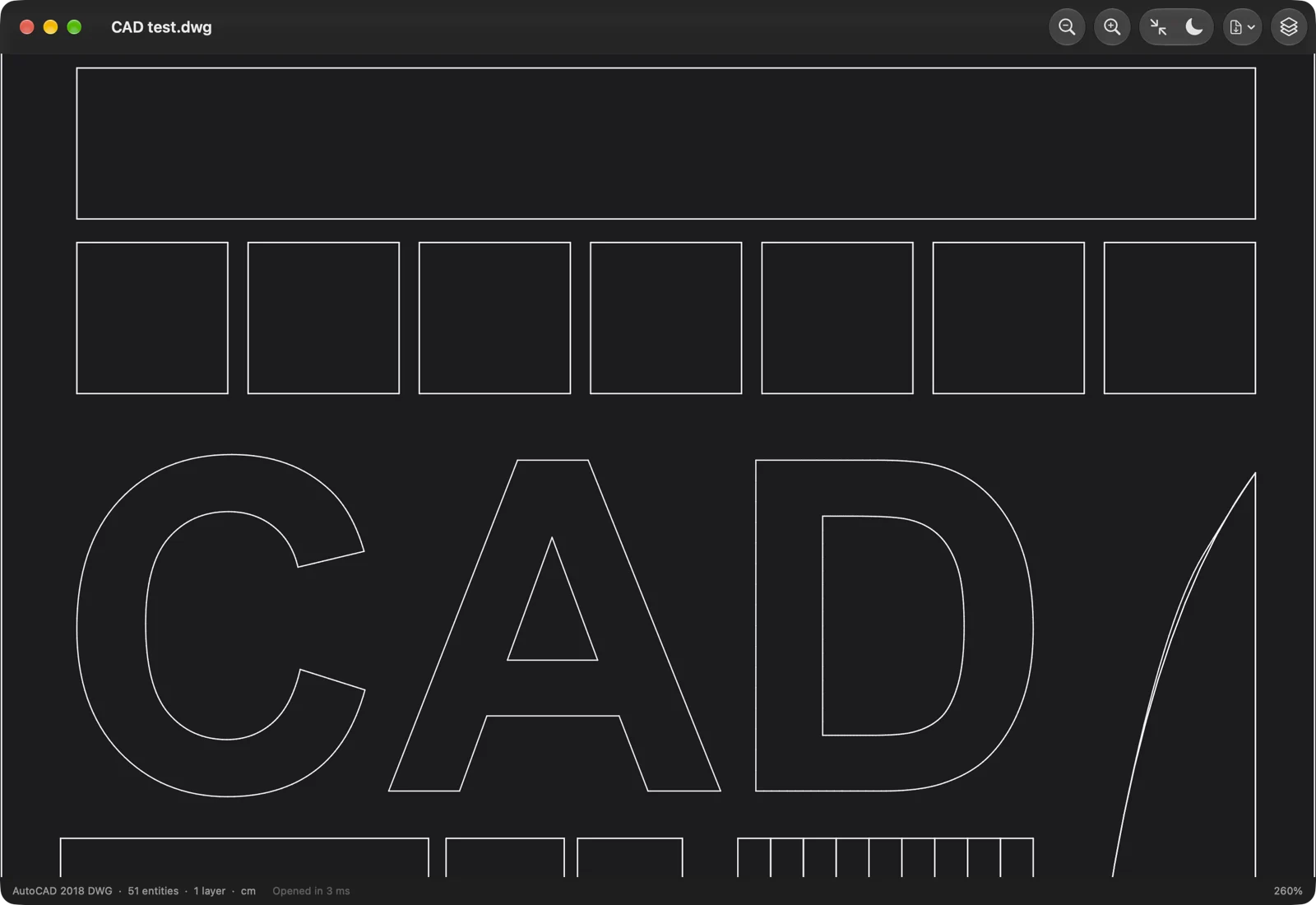
DWG Viewer is a Mac app that opens AutoCAD drawings: .dwg and .dxf files, and the .dwf and .dwfx files published from AutoCAD, Revit and Inventor. It gives your Mac thumbnails of them in Finder, a preview when you press space, and a fast viewer with every layer.
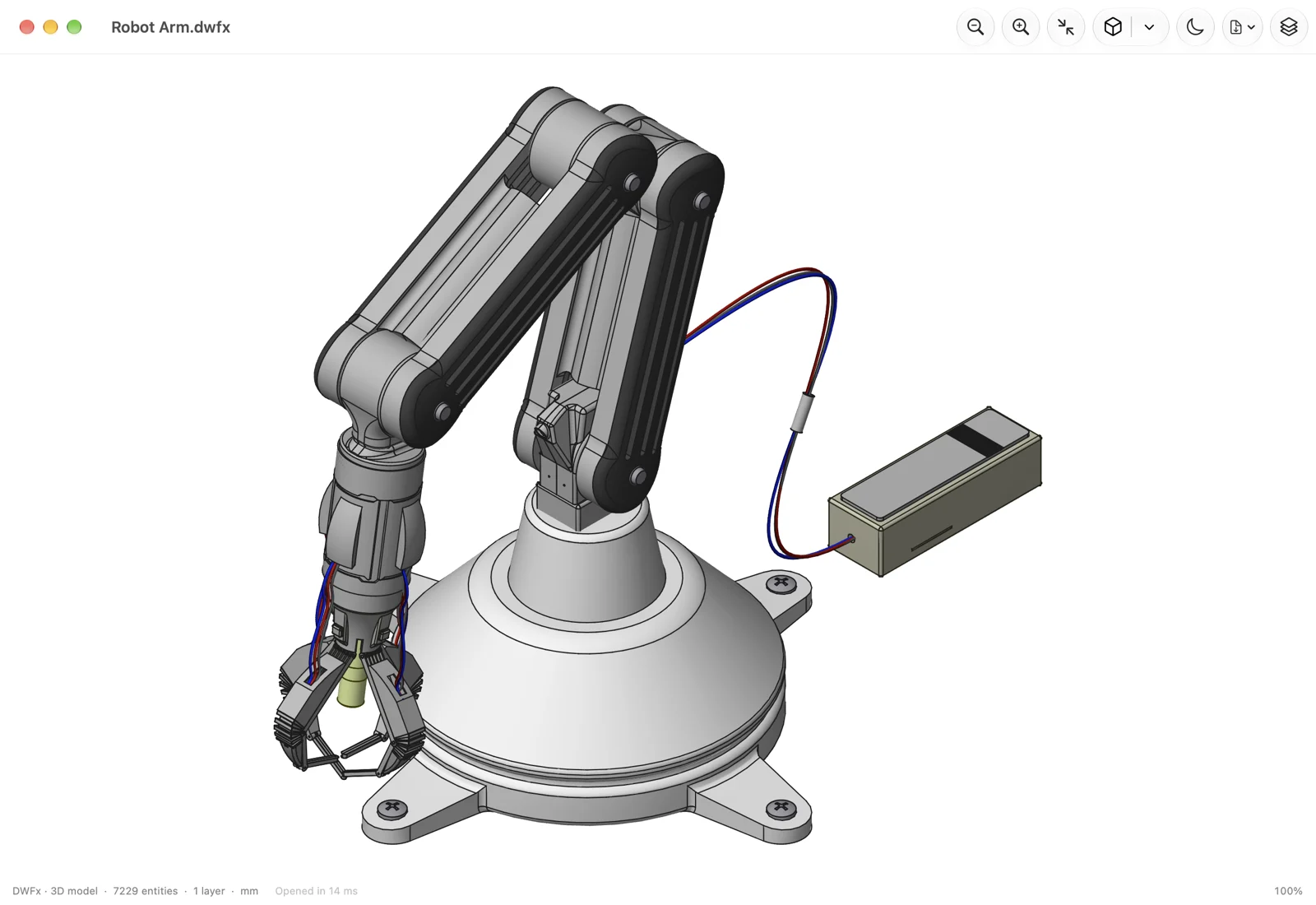
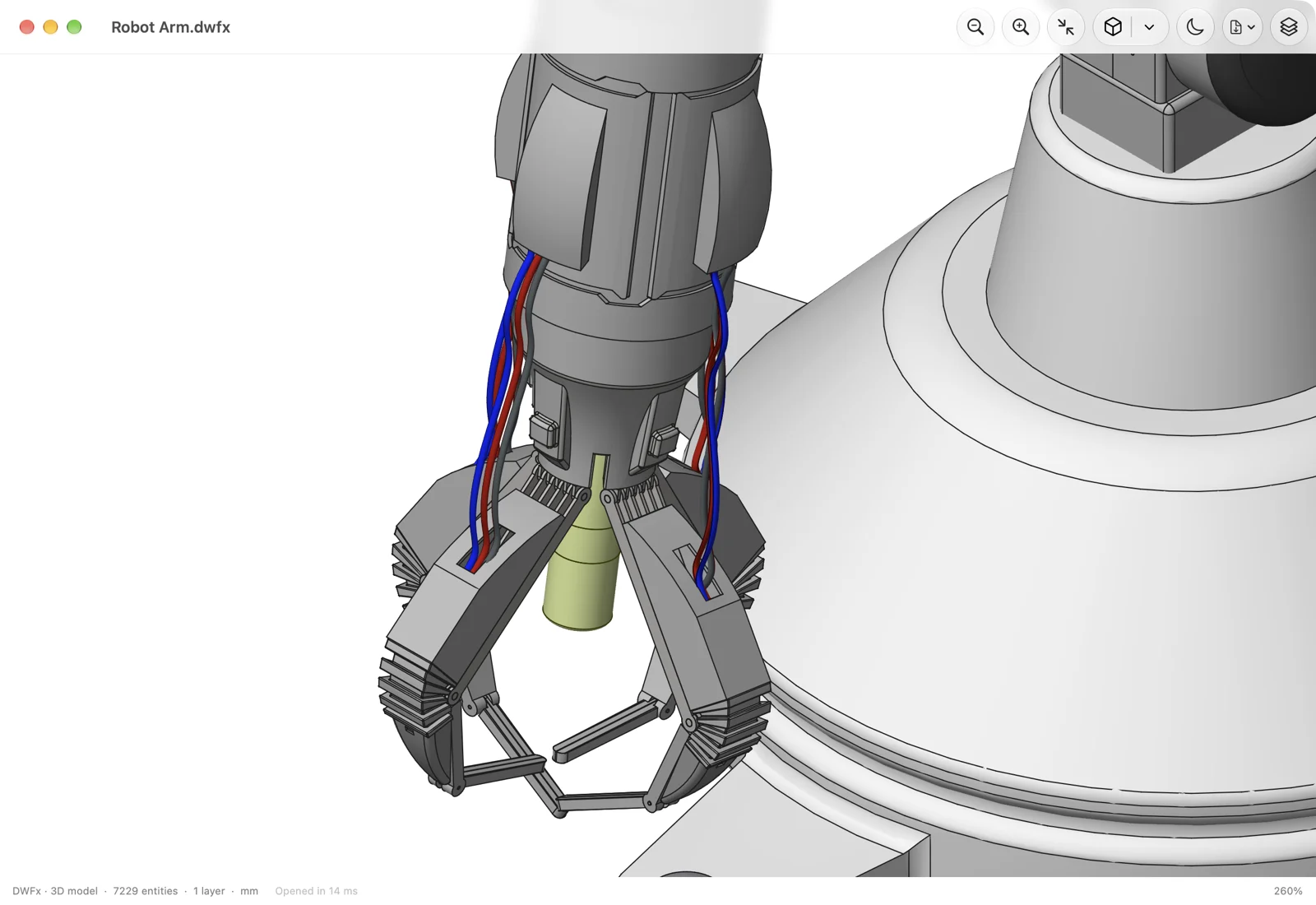
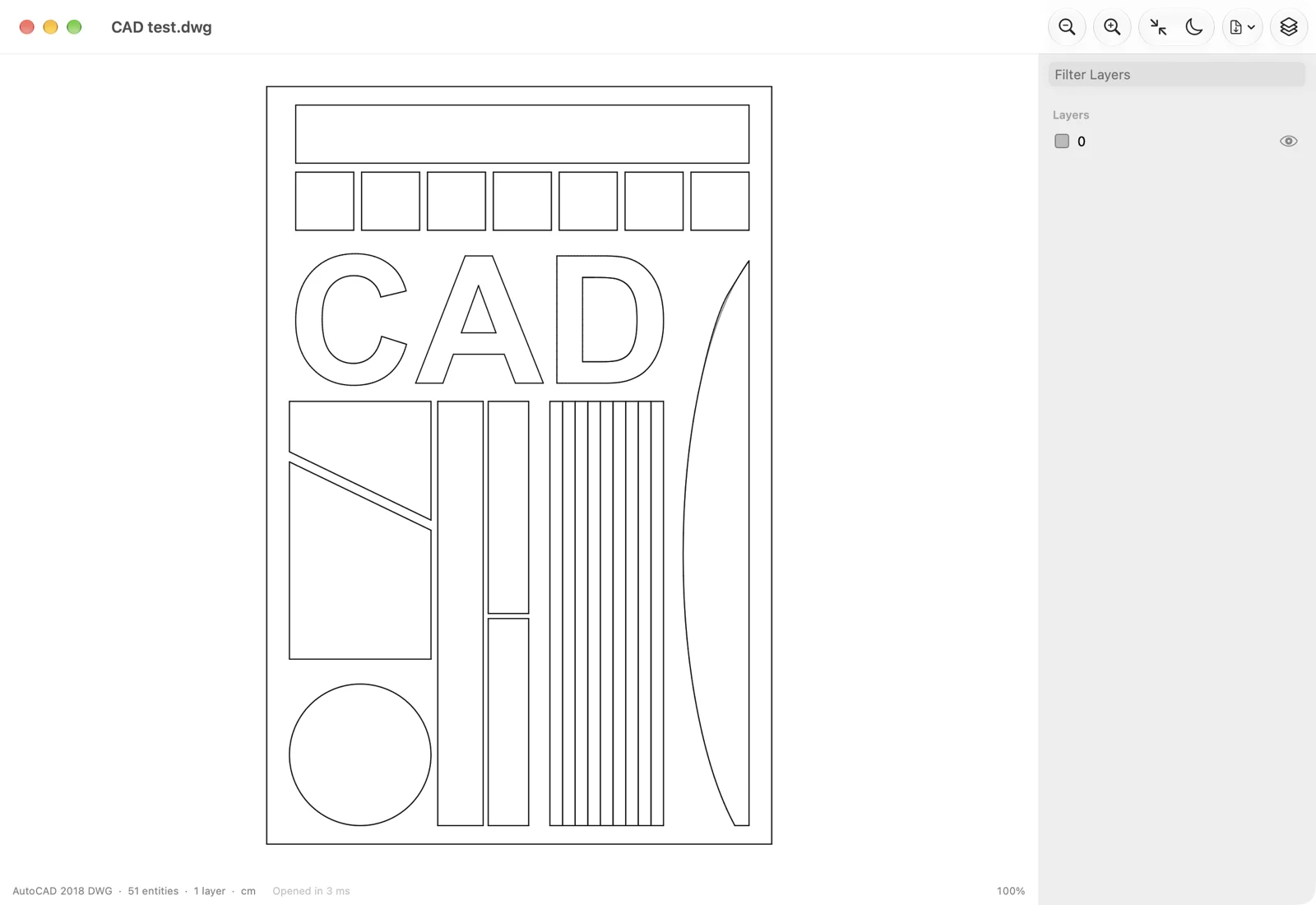
Plans open as sharp vectors, with their text, hatches and blocks. Drawings with depth open in 3D: solids, surfaces and meshes come in shaded, and you can turn them around, look from the top, the front or any isometric corner, and switch back to the plan.
Comparing options? Read How to open AutoCAD .dwg files on a Mac.
Features
- Opens .dwg files from AutoCAD R12 to today's format, .dxf files, and published .dwf and .dwfx files
- Finder thumbnails and Quick Look previews, in 2D or shaded 3D
- 3D solids, surfaces, meshes and 3D faces, shaded, with orbit, pan and the standard and isometric views
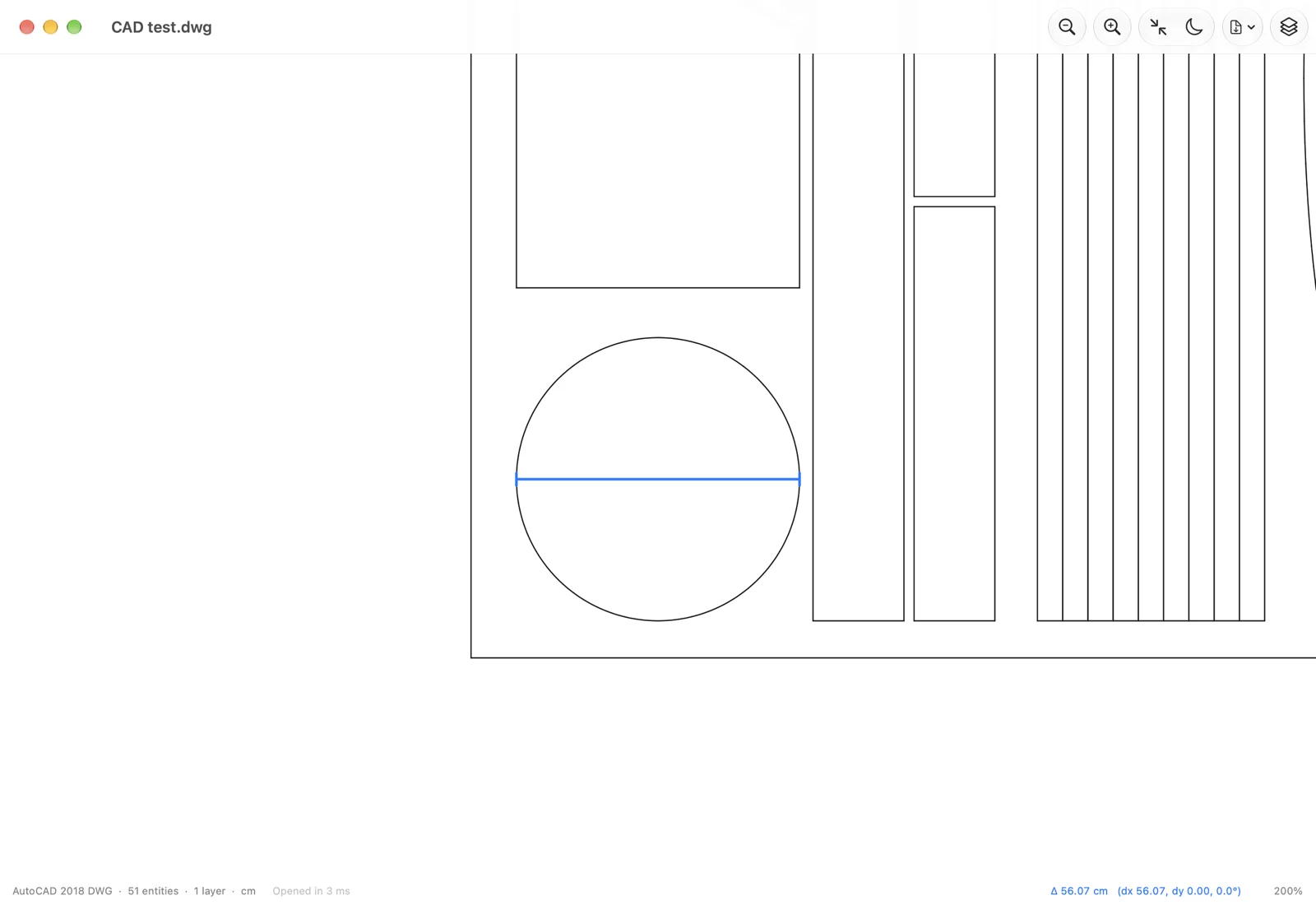
- Plans as sharp vectors: lines, arcs, curves, text, hatches, dimensions and blocks, every layer switchable
- Shift-drag to measure, in the drawing's own units
- Export to PDF and SVG at 1:1 scale, and save DWG files as DXF
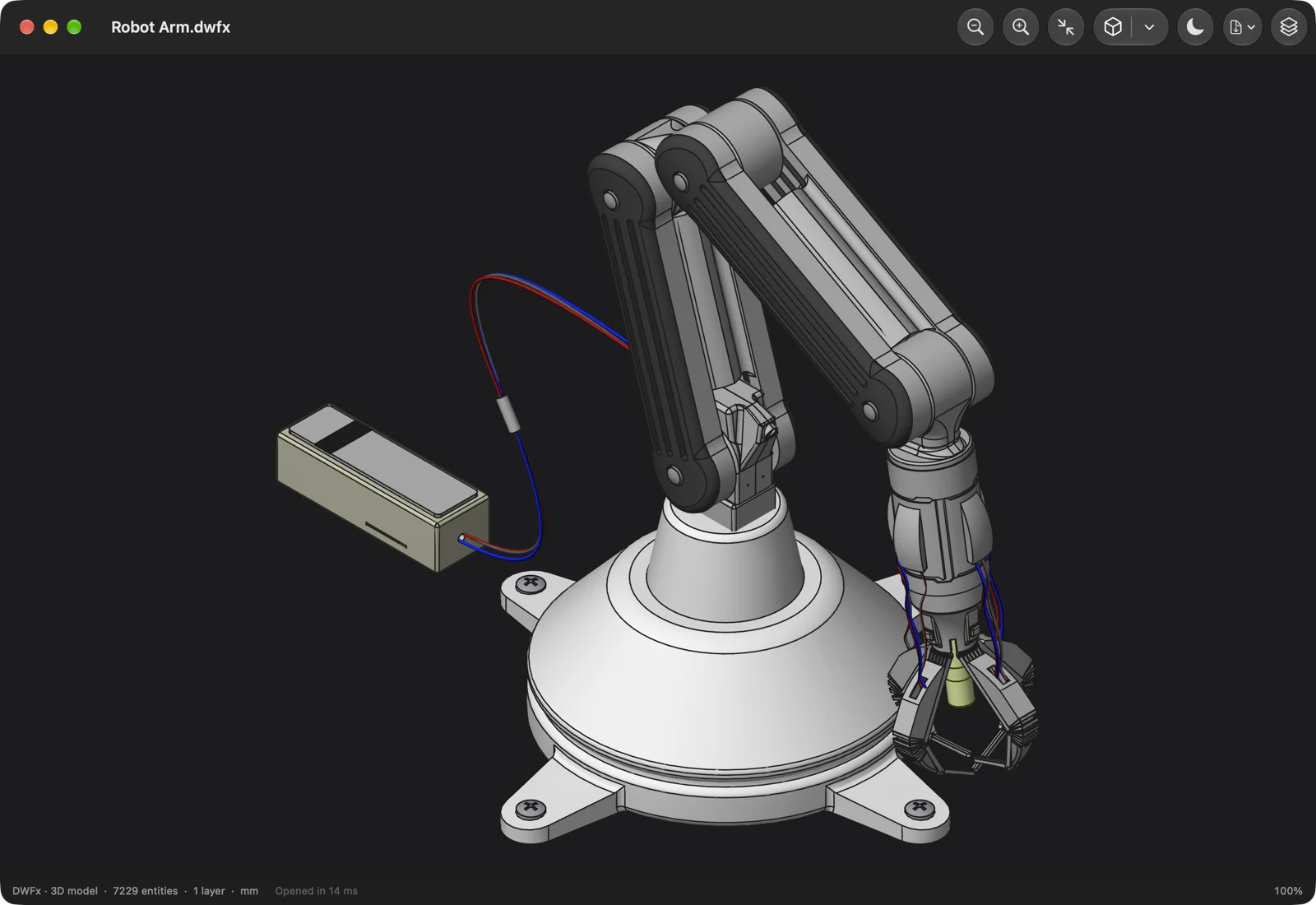
- Dark and light canvas, and automatic reload when the file changes
Versions
Updates are free, forever, and every earlier version stays downloadable.
- 1.0.1 · 29 October 2026
Maintenance update. Drawings, previews and exports work as in 1.0.
- 1.0 · 29 October 2026
First release: DWG, DXF, DWF and DWFx drawings in 2D and 3D, Finder thumbnails, Quick Look previews, and PDF, SVG and DXF export.
Questions
- How do I open a .dwg file on a Mac?
- Install DWG Viewer, move it to Applications and open it once. Then double-click any .dwg, .dxf, .dwf or .dwfx file to see it, or select it in Finder and press space for a quick preview.
- What do I need to run it?
- DWG Viewer needs a Mac with macOS 14 Sonoma or later. It runs natively on Apple silicon and on Intel.
- Do I need AutoCAD, Windows or Parallels?
- No. DWG Viewer is a native Mac app and reads the files on its own. You still need AutoCAD or another CAD app to change a drawing: DWG Viewer opens, checks and exports files, but doesn't edit them.
- Which files does it read?
- DWG files from AutoCAD R12 up to the 2018 format that AutoCAD still saves today, DXF files, and the .dwf and .dwfx files published from AutoCAD, Revit and Inventor, both 2D sheets and 3D models.
- Does it show 3D models?
- Yes. Solids, surfaces, meshes and 3D faces open shaded. Drag to turn the model, pick the top, front, side or an isometric view, or switch to the flat plan. 3D models in DWF and DWFx files open the same way, in their own colours.
- Can I convert a DWG to PDF, SVG or DXF?
- Yes. Export any drawing's plan to PDF or SVG as real vectors at 1:1 scale, with hidden layers left out, and save a DWG file as DXF.
- Is there anything it doesn't show yet?
- DWG Viewer shows a drawing's model space, where the geometry lives. Paper-space layouts and attached images aren't drawn yet, and dashed linetypes are drawn as solid lines.
- Can it change my files?
- No. DWG Viewer is a viewer: it never writes to a drawing, so nothing you open can be damaged.
- Will my Mac open it without warnings?
- Yes. DWG Viewer is signed with a Developer ID and notarized by Apple, so it opens like any other app you download.
- How do the thumbnails and the space-bar preview start working?
- Move DWG Viewer to Applications and open it once. That registers its Finder and Quick Look extensions; Finder may take a moment to redraw icons it had already cached.
- Does it send anything over the internet?
- No. DWG Viewer makes no network requests, so your files stay on your Mac.
- What happens when I pay?
- Stripe takes the payment, then you land on a page with your download, and we email you its link. That link is your receipt and lets you download again.
- Are updates free?
- Yes, forever. Your download link always has the newest version, and every earlier version stays available there too.
- I lost my download link.
- Enter the email you paid with at tinytoolshop.com/downloads and we'll send the link again.
- Is it a subscription?
- No. You pay once and the copy is yours. There are no tiers and no renewals.
- Can I get a refund?
- Yes, if the app doesn't work for you: if it can't open your files or won't run on your Mac, email hello@tinytoolshop.com within 30 days and we'll refund you in full.
- Where do my card details go?
- Only to Stripe's checkout page. This site never sees or stores them.
DWG Viewer is not made by or affiliated with Autodesk, Inc. Autodesk, AutoCAD, DWG, DXF, DWF, Revit and Inventor are trademarks of Autodesk, Inc.